GrooveSheet outputs three things from a single job: a MIDI file, a MusicXML score, and a PDF. They look interchangeable. They aren't.
MIDI — the playable format
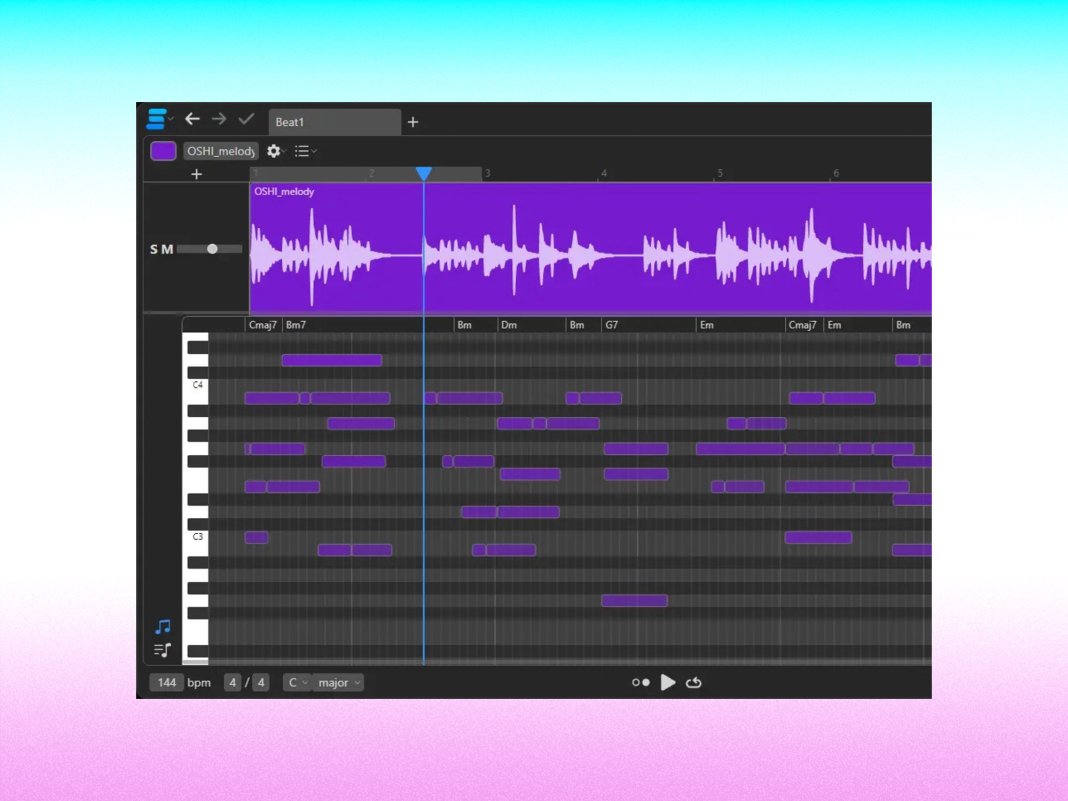
MIDI is a list of events: at time T, this pitch turned on with this velocity for this duration. It's tiny, universal, and playable but not a score.
Use MIDI when you want to:
- Drop the part into a DAW (Logic, Ableton, Reaper, Cubase) and play it with samples.
- Feed it into a sequencer, drum machine, or sampler.
- Train your own ML model on the symbolic data.
- Trigger an electronic kit's MIDI input.
Don't use MIDI when you want to:
- Read it as sheet music. MIDI doesn't know about staves, clefs, voices, or note-stem direction.
MusicXML — the score format
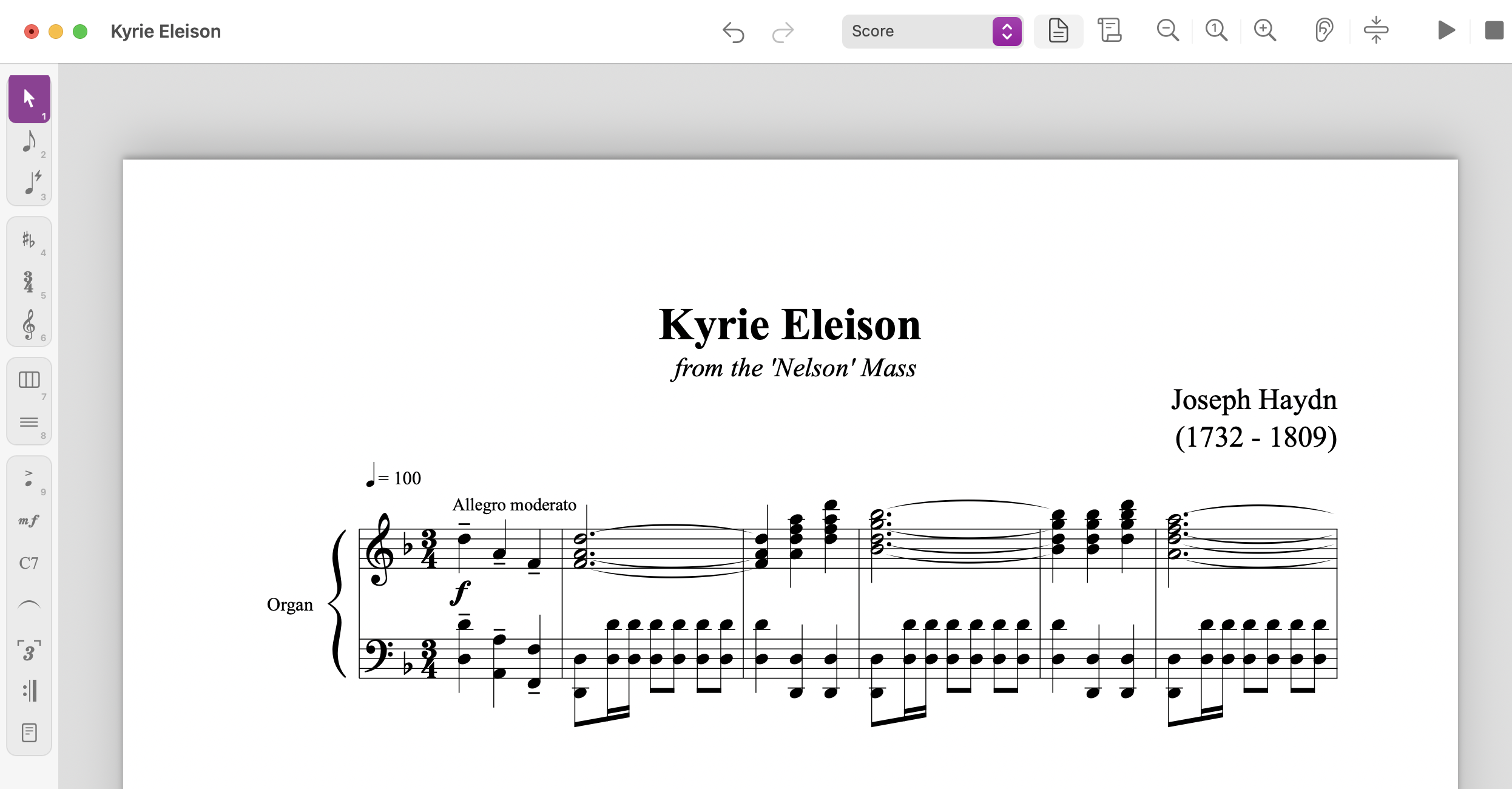
MusicXML is the universal interchange format for engraved music. It preserves voice layout, articulations, time/key signatures, and a hundred other notational details MIDI ignores. Sibelius, Dorico, MuseScore, Finale, and Notion all read it.
Use MusicXML when you want to:
- Open the transcription in your notation editor and polish it.
- Share with a collaborator who'll edit on a different program.
- Print sheet music that respects beaming, voice splitting, and rests properly.
Don't use MusicXML when you want to:
- Play the file directly in a DAW. (Some DAWs import it, but you'll lose nothing by exporting MIDI from your notation editor instead.)
PDF — the read-only format
PDF is the final-form output. It's what you print, what you put on a stand, what you email to a student.
Use PDF when you want to:
- Read on tablet (forScore, Newzik, MobileSheets).
- Print a chart for a gig tonight.
- Lock the engraving so the recipient can't accidentally rearrange measures.
Don't use PDF when you want to:
- Edit. PDFs are not designed to be re-flowed.
A typical workflow
For a working drummer prepping a setlist:
- Upload track → download PDF for the gig.
- Need to add cues or rehearsal marks? Open the MusicXML in MuseScore, edit, re-export PDF.
- Building a backing track or click? Pull the MIDI into your DAW.
Three formats, one upload. Pick the right tool for the moment.