Native Instruments has released Maschine 3.7, the first major feature update to the platform since the company was acquired by InMusic, alongside three Maschine Expansion packs. According to MusicRadar's report, the update centers on three sequencing tools: a random note generator that builds percussive, melodic or chord patterns on probability, with control over velocity randomization; per-note probability, which sets a chance level for each note every time the sequence cycles; and Probability Lock, which captures a cycle of randomized notes so you can keep it. A Euclidean sequencer rounds it out, distributing events as evenly as possible over a set number of steps, with a real time mode for changing step length, events and rotation while the pattern plays. The packs are Thirty, a compilation resampled from NI's own back catalogue, Paris Heat, built on '90s French house, and Rage Circuit, made with producer Snipe Young. Maschine 3.7 is a free update for Maschine 3 users.
If you produce with Maschine and someone eventually asks you for the part on paper, this update changes your workflow in a specific way. Probability and Euclidean sequencing are generators: they produce material you would not have played by hand. That is the point of them, and it is also the problem when the material needs to leave the box as notation. A part that never plays the same way twice is not a part you can write down once.
What this changes for audio to sheet music work
The practical question is where the notes come from. There are two routes, and they behave very differently.
| Source | What you get | What to watch |
|---|---|---|
| MIDI export from Maschine | Note pitches, timing, velocity, length | Quantization settings, swing, and whether you exported one cycle or a long take |
| Audio recording of the beat | Estimated pitches and timing | Mix density, recording quality, whether stems were separated first |
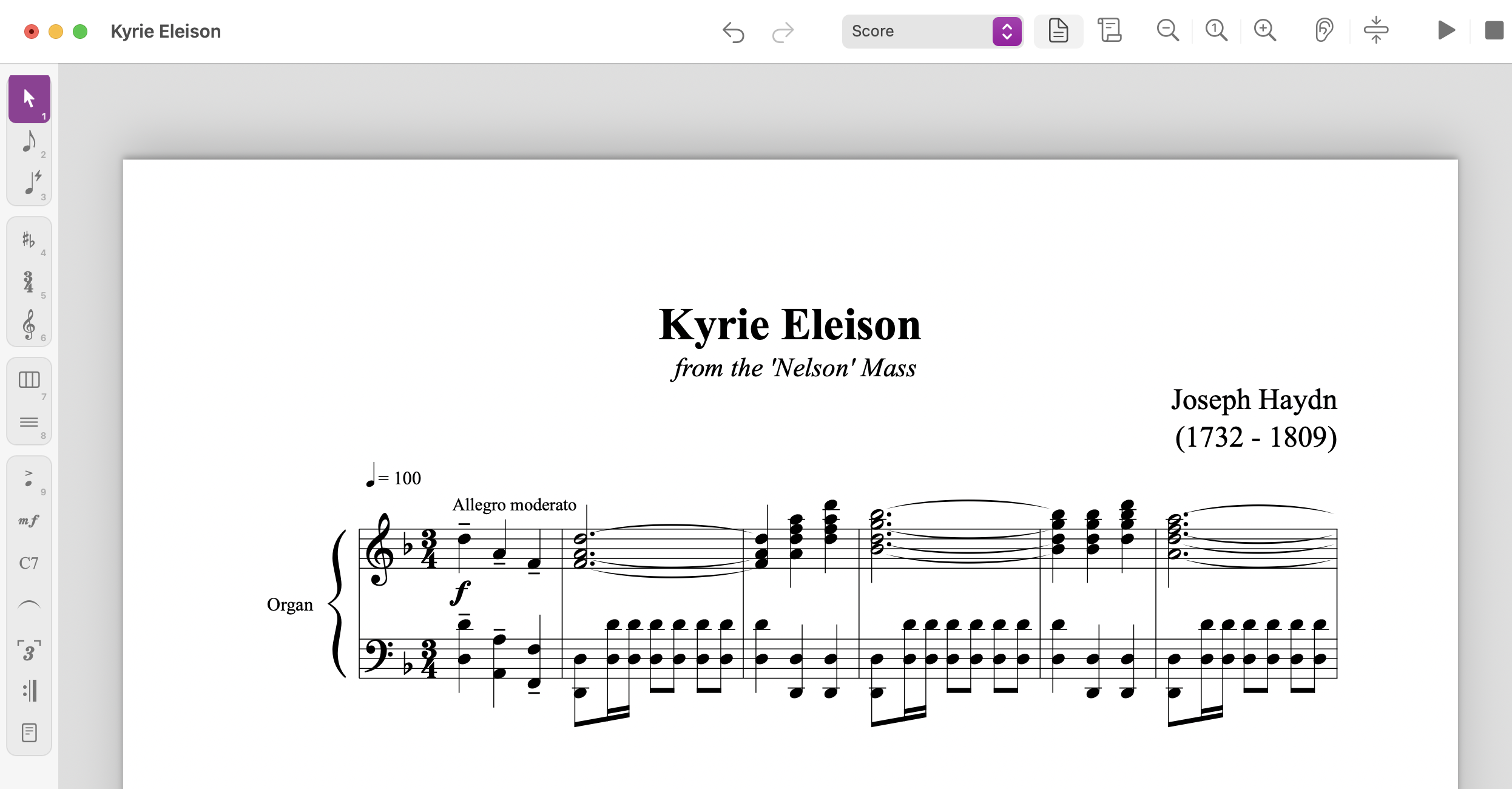
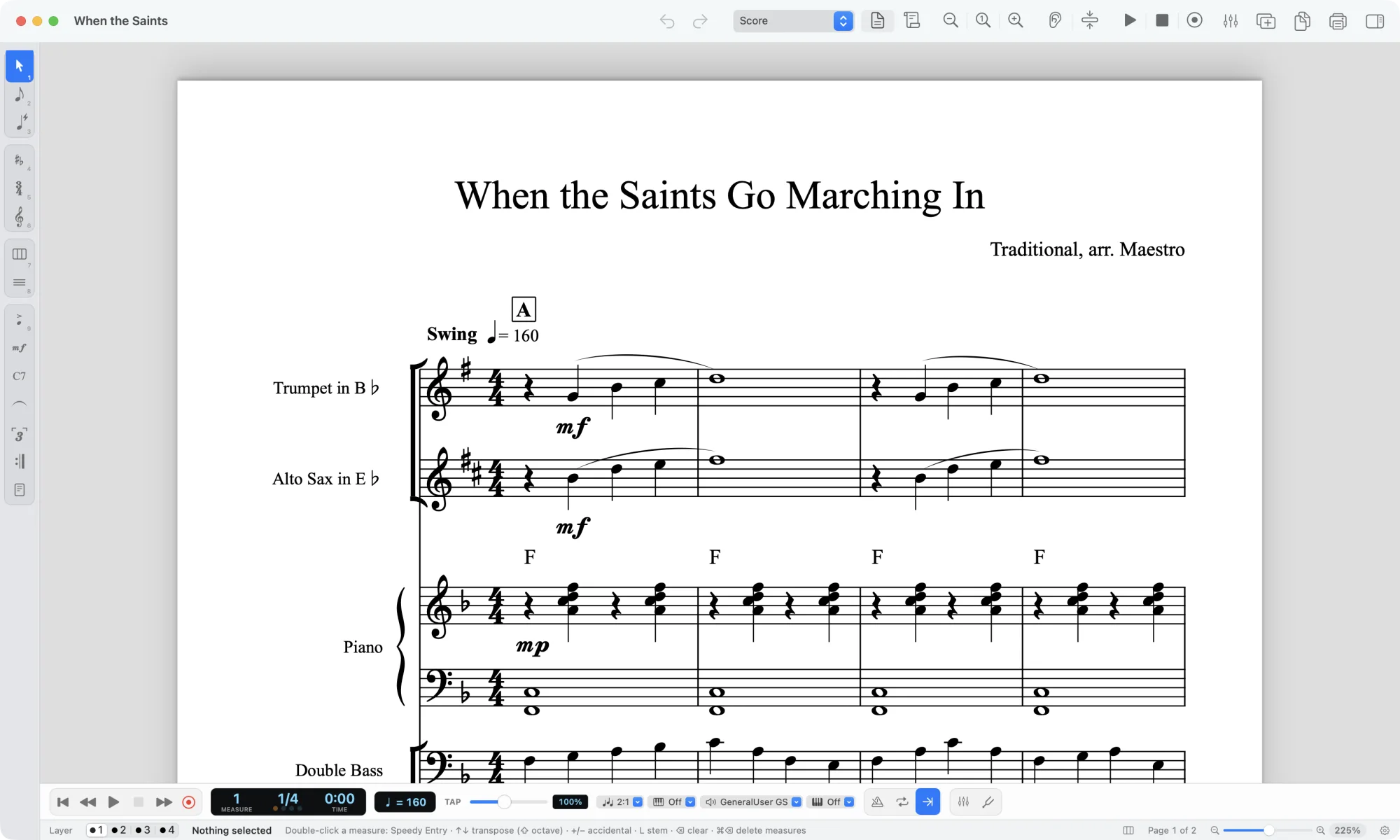
MIDI is the cleaner route and it is not close. If the pattern lives in Maschine, export it. A MIDI file opens in any DAW and imports into MuseScore, Sibelius, Dorico or Finale, where the notation engine does the rhythmic spelling for you. You still fix things: a Euclidean pattern that rotates across a bar line can produce tied notes that are technically correct and miserable to read, and a probability pattern that fires on beat 4 of bar 3 only will look like an accident on the page, because it was one.
If all you have is the audio, that is where audio to sheet music comes in. Upload the file, get back MIDI or MusicXML, open it in your notation software. The catch is the same one that applies to any recording: a busy mix is hard to read. A Maschine beat with a kick, snare, hats, a sub bass and two synth layers stacked in the same frequency range gives a transcription model a lot to untangle.
What it does not change
Probability and Euclidean sequencing do not make transcription easier or harder in themselves. They change what you are transcribing.
Three things stay exactly as they were. First, a score is a snapshot. If you want the pattern on paper, you have to decide which pass you mean. Probability Lock exists for this: capture one cycle you like, export that, and the notation describes something real rather than an average of twelve bars. Second, randomness does not survive notation. A note with a 40 percent chance of firing is either on the page or it is not. If the part is genuinely variable, the honest notation is a written part plus a performance note, not a bar of sixteenths with an asterisk. Third, the machine still gets things wrong. Recording quality, arrangement density, instrument choice and whether stems were separated first all move the result. Automatic transcription is a first draft a musician edits.
There is also a rights point worth stating plainly. If you transcribe your own Maschine pattern, you own the decision about what to do with it. If you transcribe a commercial recording, the result is a derivative work. Rules differ by country, so check with the rights holder or your local licensing body before you distribute, sell or perform a transcription of someone else's song.
Our view
The MusicRadar piece makes a fair observation: probability and Euclidean sequencing have been standard in other DAWs and sequencers for a while, so this reads as Maschine catching up rather than leading. That is a reasonable read on the feature list. It is less interesting than the question underneath it, which is what happens to generated material once it leaves the sequencer.
Generated parts are the hardest kind of material to notate, because they were never performed. A drummer playing a fill has an intent you can hear and write down. A Euclidean pattern with rotation modulated in real time has a mathematical structure that a bar of notation flattens into something almost arbitrary. If you are scoring this material for a session player, a student or a worship team, the useful move is to lock a cycle, export the MIDI, and treat the notation as a reduction rather than a transcript.
Who should care: producers who get asked for charts of their own beats, teachers building exercises from electronic patterns, and anyone arranging a Maschine-based track for live players. Who should not: someone making beats for their own use, where the pattern never needs to exist outside the project.
Open questions we cannot answer from the announcement: whether the probability settings are captured in the MIDI export in any meaningful way, or whether they are simply baked into the notes that fired. That distinction matters for anyone who wants to keep the variability alive in a DAW after exporting. Test it on your own material before you rely on it.
What to do next
If you have a Maschine pattern you want on paper, export the MIDI first. Import it into your notation software and clean up the ties and the accidentals.
If you have audio only, and the mix is dense, separate it before you transcribe. The stem splitter pulls vocals, drums, bass and the rest apart, and transcribing a single stem is almost always more readable than transcribing the full mix. Then run the stem through the converter and open the result in your score editor.
If you want to see what other people have already put through the pipeline, Explore is the public library of shared transcriptions. If you are building this into a tool of your own, the transcription API does the same job programmatically. And if you are weighing up how much material you run through this, pricing and plans lays out the shape of the offer.
Sources
- Native Instruments confirms "Maschine is alive and evolving" with first major update since InMusic acquisition, MusicRadar Tech, 23 September 2026