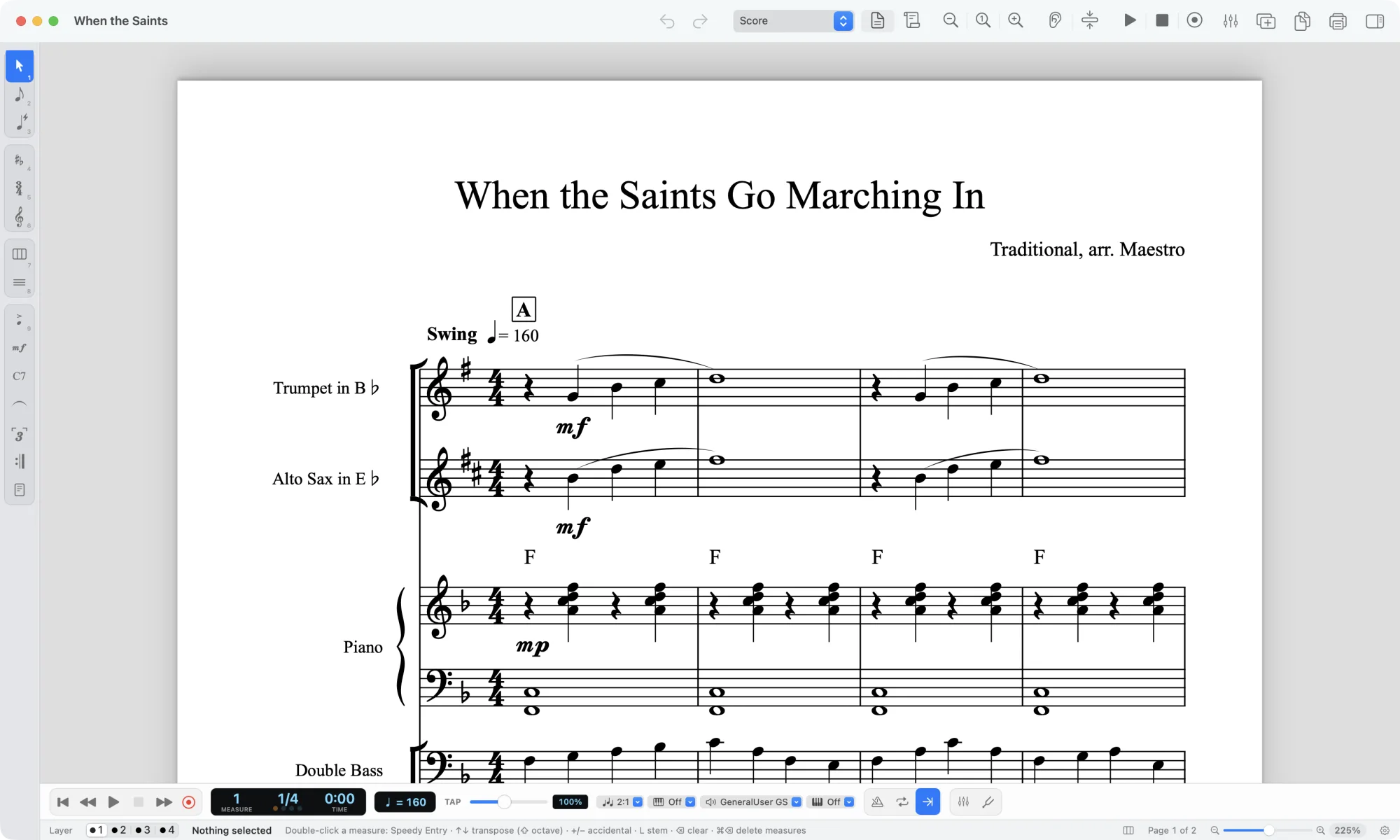
Sibelius 2026.9 is out, and the headline items are tremolos, ties and cross-staff voices. Avid shipped the release for macOS and Windows on the desktop plus iOS, iPadOS and Android on mobile, and it is the fifth Sibelius release of 2026, arriving a little over a month after 2026.8, as Scoring Notes reports. The changes: tremolo strokes can now be moved independently of stems, two-note tremolo beams get their own left and right handles for length and slant, tie height can be set globally, and voice positioning rules now apply to cross-staff notes. It is also the first Sibelius officially supported on macOS 27 Golden Gate, iPadOS 27 and iOS 27.
If you use music transcription software to get a part out of a recording, this matters more than it sounds. Not because Sibelius transcribes anything: it does not, and never has. It matters because the last mile of every transcription job is engraving, and tremolos, ties and cross-staff voices are exactly where a file exported from a transcription tool tends to look wrong.
What this changes for anyone cleaning up a transcription
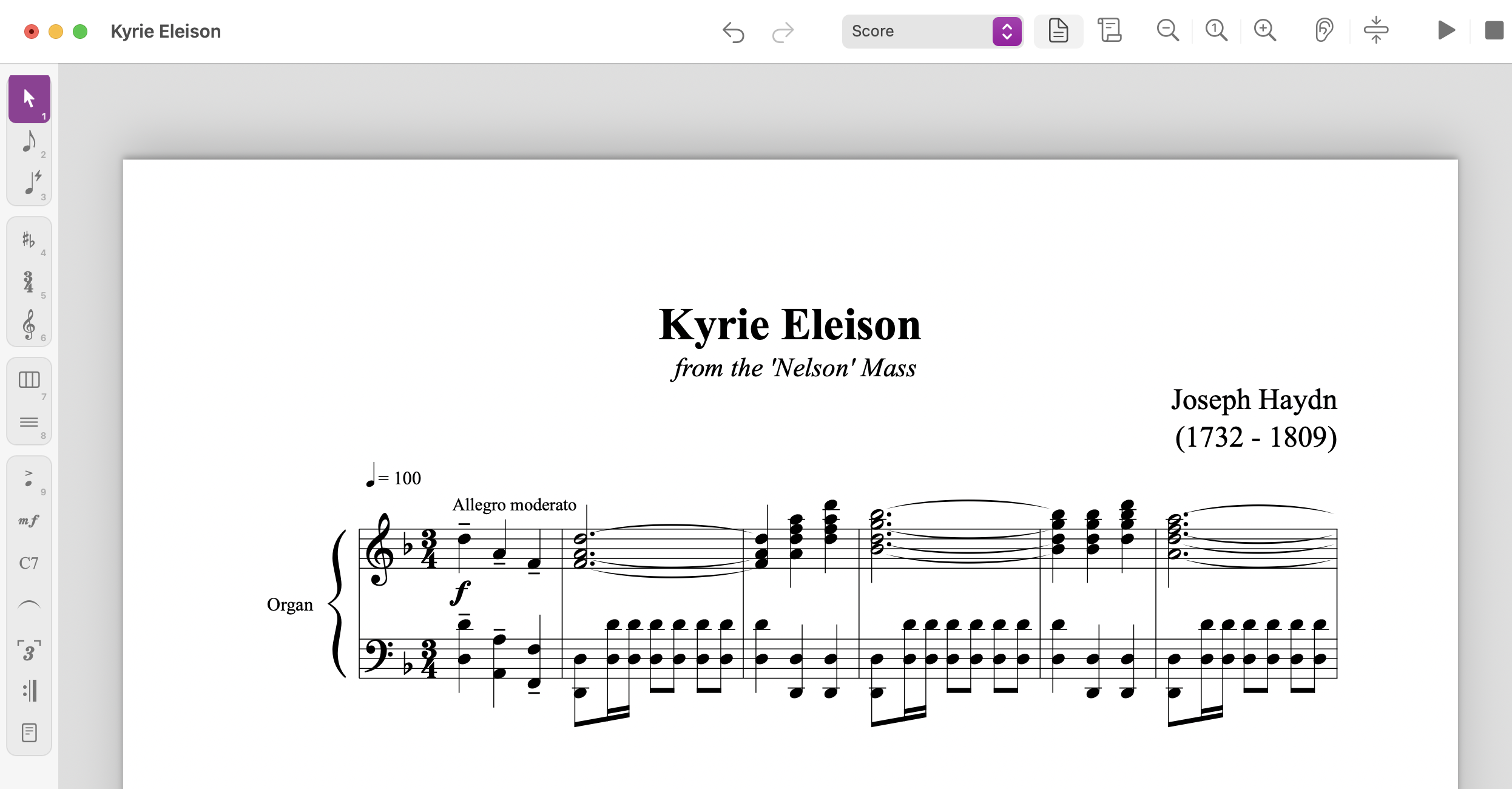
A tremolo is a shorthand. Instead of writing out sixteen sixteenths, you write two notes and three strokes, and the player fills in the rest. That shorthand is where notation software has historically been weakest, and Sibelius was the odd one out among the four major desktop applications: you could not move the strokes relative to the stem tip independently. Moving one moved the other.
Now you can. Click a tremolo stroke or a buzz roll and drag it up or down the stem, or type a Y value for Tremolo Strokes in the Notes section of the Inspector. Zero is the default. Positive values pull the strokes toward the notehead, negative values push them away. The stem does not move. You can also change stem length without touching the tremolo, which is the reverse of the old behavior.
For two-note tremolos, each beam now has independent left and right handles. Drag them sideways to shorten or lengthen, up or down to change the slant, and the stems stay put. Numerically, that is LX, LY, RX and RY in the Inspector. Whole-note tremolos, which have no stems to attach to, get the same handles, so their slant is adjustable too.
Ties get a global height rule. That is a small sentence with a large effect on a printed part. When a transcription comes back with tie heights that drift from system to system, you want one setting for the whole score, not fifty individual nudges.
Cross-staff voices now follow voice positioning rules. If you have ever watched a piano part where the right hand crosses into the bass staff and the stems, rests and beams land wherever the software felt like it, this is the fix you have been waiting for.
There is also a new Tremolo section in the Advanced Filter dialog, under Notes and Chords. Select Single-note tremolo, click Select, and every matching tremolo in the selection can be adjusted together in the Inspector. The options listed are Any and Single-note tremolo, so there does not appear to be a separate filter for two-note tremolos.
The parts that did not change
Sibelius 2026.9 does not add engraving rules that place tremolos automatically. You still do this by hand, note by note or selection by selection. The release gives you control, not judgment. If you were hoping the software would now keep strokes inside the staff and clear of noteheads on its own, it will not. Avid's position, per senior principal product manager Joe Plazak in the Scoring Notes piece, is that custom positioning is the first step and better defaults are still to come.
There is also a case that still needs a workaround. Scoring Notes tried to reproduce a piano example from Elaine Gould's Behind Bars where one tremolo beam attaches to both stems and the beams sit below: it could not be done faithfully, and would need something like a hidden stem plus a symbol or line. So the ceiling has moved, not disappeared.
Our view
Read the release notes as a statement about who Sibelius is for. Independent tremolo positioning is not a feature for someone writing four bars of a lead sheet. It is for the arranger preparing a percussion or piano part for print, where the difference between strokes at the stem tip and strokes a staff space off the notehead is the difference between a part a player reads once and a part they ask about at rehearsal.
That is also why it lands in transcription work. When you run audio through a transcription tool, you get pitches and rhythms. You do not get engraving decisions. A drum transcription in particular arrives full of rolls and buzzes that need to be notated as tremolos, and a piano transcription arrives with hand crossings that need cross-staff voice handling. Those two things are precisely what this release addresses.
The honest trade-off: this is manual control, and manual control costs time. If you transcribe one song a month, the new handles will save you a few minutes and you will barely notice. If you engrave parts for a living, or you teach and hand out printed scores weekly, the Advanced Filter plus the global tie rule is the difference between a cleanup pass that takes an evening and one that takes twenty minutes.
The open question is defaults. Every notation application has a house style baked into its automatic placement, and Avid has now said out loud that theirs is not yet doing what Gould's guidelines describe. Until it does, the quality of a printed part still depends on the person at the desk knowing what "right" looks like. That is not a software problem, and no release will solve it.
What to do next
If you are starting from a recording rather than a score, the order of operations matters more than the version number of your notation app.
- Separate the mix first. A busy mix transcribed whole gives you a muddy first draft. Running it through the stem splitter gives you isolated drums, bass, vocals and the rest, and a part transcribed from an isolated stem is far more usable than one pulled from the full arrangement.
- Transcribe the stem. Drums, piano, bass and guitar each have their own model, so pick the one that matches the part you need. You can transcribe a song and get back PDF, MusicXML and MIDI.
- Export MIDI if you want to check the part against the recording in a DAW, or send audio straight through the audio to MIDI converter when you only need the notes and not the notation.
- Open the MusicXML in Sibelius, MuseScore, Dorico or Finale, and do the cleanup pass. Tremolos, ties and cross-staff voices are your first three checks.
- If you want to see how other people handled a similar part, browse Explore transcriptions before you start from scratch.
Two things worth saying plainly. Automatic transcription is a first draft, not a finished score. Recording quality, how busy the mix is and the instrument all affect the result, and a clean solo piano recording will always transcribe better than a dense live band. And a transcription of a copyrighted song is a derivative work: it does not come with the right to distribute, sell or perform it. Rules differ by country, so check with the rights holder or your local licensing body before you do anything public with it.
If you are weighing plans, the shape of the offer is on the pricing page: upload, transcribe, export. We do not restate the numbers here because they change. A full song usually takes a few minutes to tens of minutes depending on length and server load, and the job page shows your queue position.
Sibelius 2026.9 is a good release for people who print parts. It will not write the part for you, and it was never going to.