Apple released macOS 27 Golden Gate, the first version of macOS that will not run on an Intel Mac at all. Scoring Notes has the compatibility rundown, and the short version for anyone who writes or reads scores on a Mac is this: every Apple silicon Mac ever sold can run it, nothing else can, and Rosetta 2 is in its final release. The current versions of Sibelius, Dorico, MuseScore Studio and Finale are already native to Apple silicon. The old Notion 6 desktop app still needs Rosetta, and Apple's own release notes warn that Intel-based plug-ins and loaders may not show up in Settings or trigger an incompatibility warning at all.
Why this matters if you want a score out of a recording
If your job is turning recordings into notation, your Mac is the machine that runs the notation app, the DAW, the stem splitter and the transcription tool. An OS upgrade is not a musical decision, but it decides whether that chain keeps working on a Tuesday morning when a client needs a chart.
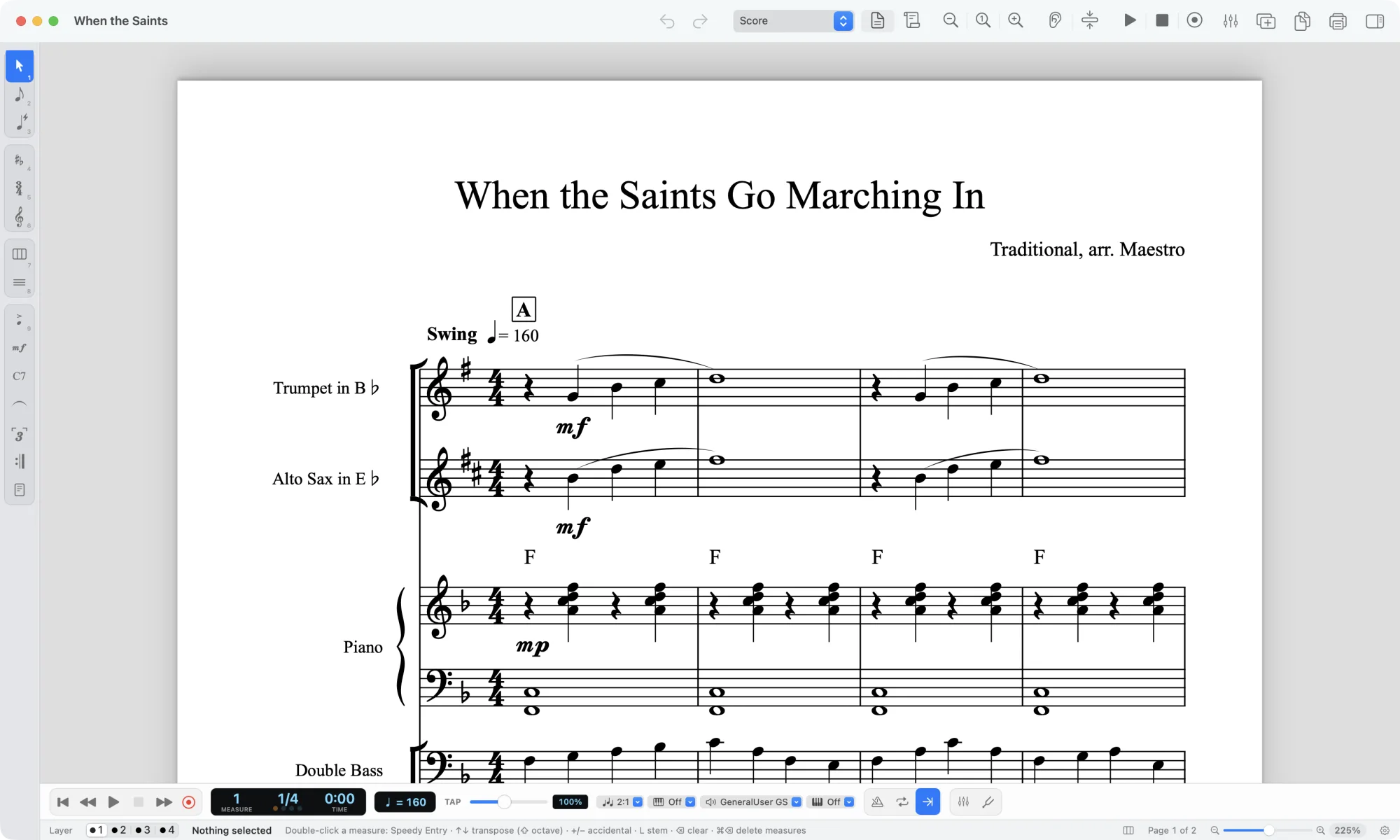
The good news sits in the app list. Sibelius has been a universal binary since the 2024.6 update, MuseScore Studio since 4.4, Dorico for years before that, and Finale from v27.2. Fender Notion is native too. If you are running current releases, the applications themselves are not the problem.
The problem is everything around them. Apple names three folders worth inspecting: ~/Library/Audio/Plug-Ins/, ~/Library/Printers/ and ~/Library/ColorPickers/. Those are audio plug-ins, printer drivers and print dialog extensions. In a scoring setup, an Intel-only component there can surface as a plug-in that has vanished from a menu or a printer option that is simply gone. Sibelius added VST3 support in 2026.5, which covers more current plug-ins, but format and processor architecture are separate questions: a VST3 plug-in can still contain Intel-only code.
What changes in practice, and what does not
| Item | Status on macOS 27 |
|---|---|
| Sibelius, Dorico, MuseScore Studio, Finale, Fender Notion | Native to Apple silicon, no Rosetta needed |
| Notion 6 desktop | Still requires Rosetta |
| Rosetta 2 | Supported, final release for Intel-only apps |
| Intel plug-ins and loaders | May not appear in Settings or warn you |
| Intel-only software after macOS 28 | Stops working, apart from a legacy games exception |
Two Rosetta details will change what happens on upgrade day. If you had Rosetta installed under Tahoe, it is not restored automatically; macOS installs it on demand. And any app you had checked Open using Rosetta for will now launch natively instead, so you may need to re-decide whether it still needs the translation layer.
Golden Gate also gives you two places to look for Intel apps: an Intel-based Apps tab under System Settings > About > macOS, and a notice in an app's Get Info panel. Both have limits. Reporting from the beta says the Settings list only covers applications launched within the past year, so anything you have not opened lately may be missing. Neither place accounts for plug-ins.
What does not change: notation itself. MusicXML, MIDI and PDF do not care what operating system wrote them. A score exported from MuseScore on an M1 Air opens in Dorico on a Mac Studio, and a MIDI file from a session opens in any DAW on any platform. If you are moving files between collaborators, the OS is not the variable that will bite you.
Our view
The honest read is that this is a smaller story than the headline suggests for most working musicians, and a larger one for a specific group: people with a long-lived setup full of older plug-ins, an AirPort Time Capsule, or a 2019 Mac Pro they have been nursing along.
For that group, the trade-off is real. Staying on Tahoe is a supported position, and it costs you nothing musically today. It also means no further OS updates, and eventually software that requires a newer system. Golden Gate hands you one more year to find and replace the Intel code in your setup while you still have a working system to test against. That is the actual gift here, and it is a scheduling gift, not a feature.
The open question is plug-ins. Apple's own note says Intel-based plug-ins and loaders may neither appear in Settings nor trigger a notification. That means the most likely failure mode is silent: you open a session, a reverb or a sampler is not there, and you find out mid-session. There is no tool in this release that solves it for you. The only reliable method is to open your templates and your current projects before you upgrade and note what loads.
Who should care most: arrangers and transcribers with a decade of accumulated plug-ins, teachers running lab machines that were bought before 2020, and anyone whose print workflow depends on a driver Apple has quietly stopped listing.
Two other items in the release are worth a mention because they affect backup, and backup is what protects a chart you spent a week on. Time Machine will no longer back up over AFP, which rules out an AirPort Time Capsule as a destination and affects older NAS units that relied on AFP. Apple points to NAS devices supporting Time Machine over SMB. Apple has also deprecated encrypted HFS+ (CoreStorage) volumes and advises moving to encrypted APFS. The practical advice is unchanged from every other September: verify your backup restores before you upgrade, not after.
Where a machine transcription fits into all this: it does not depend on your OS at all. Upload an audio file, get back editable notation in PDF, MusicXML or MIDI, and open it in whatever notation app your machine runs. If a busy mix is giving you a messy result, running it through the stem splitter first usually makes the difference, because separating vocals, drums, bass and the rest gives the transcription model a cleaner signal. If you want the notes as data rather than a score, the audio to MIDI converter does that job.
What to do next
Before you upgrade, do this in order.
- Open System Settings > About > macOS and check the Intel-based Apps tab, then check Get Info on anything you rely on.
- Open
~/Library/Audio/Plug-Ins/and~/Library/Printers/in the Finder. Anything you do not recognize is worth a search before it disappears. - Open your two or three most-used templates in your notation app and your DAW. Note what fails to load.
- Confirm your backup restores. If it runs over AFP, plan the move to SMB.
- If you are on an Intel Mac, decide deliberately whether Tahoe is your end of the line or whether a hardware purchase is coming.
If you are evaluating notation options for a machine that is about to change, our pricing and plans page describes the shape of the offer, and Explore has transcriptions other people have shared that you can open in your own software and check against the recording. Teachers setting up a lab should start with Help and support for the export formats each tool produces, so you know what your students' machines will need to open.
Sources
- Music notation software and macOS 27 Golden Gate, Scoring Notes, 2026-09-14